Circle with Dot in Middle: Copy ⊙ and Compare the Symbols
Identify the circle with dot in middle, copy ⊙, and compare U+2299, U+2A00, U+2609, U+25C9, and look-alikes.
If you want to copy the common circle with a dot in the middle, then it’s simply this symbol:
That is ⊙ (U+2299 CIRCLED DOT OPERATOR), an outlined version of the filled-center circle. The other is ⊙; U+2299 CIRCLED DOT OPERATOR; ◉; U+25C9 FISHEYE.
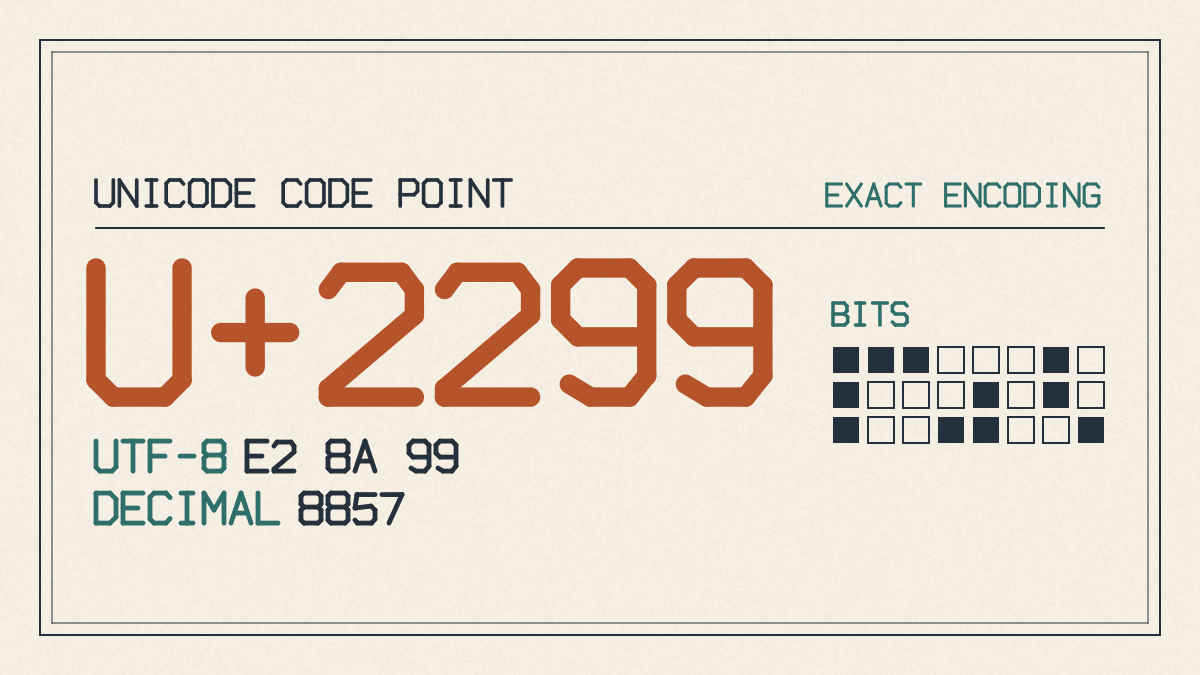
In Unicode, the CIRCLED DOT OPERATOR is U+2299, which is different than the filled center of the FISHEYE, which is U+25C9.
Main look-alike Unicode symbols
The four main look-alikes that appear similar to the above are:
-
⊙ (U+2299 CIRCLED DOT OPERATOR)
-
⨀ (U+2A00 N-ARY CIRCLED DOT OPERATOR)
-
☉ (U+2609 SUN)
-
◉ (U+25C9 FISHEYE)
The above examples show how the characters may look similar, but not necessarily equivalent. In the next few sections, I’ll describe how these characters may be used in different contexts.
Mathematical and logic uses
In mathematical expressions, ⊙ can represent several concepts, depending on the context. It could be used as a shorthand for the Hadamard product of two matrices or vectors. It can also denote the XNOR gate from logic gates. In geometry, ⊙ might be used to indicate a circle centered at point P. In both cases, ⊙ serves as an operator to modify other expressions.
You should choose the ◉ when you want the target-like appearance. This is because the center of the ◉ is completely filled, while the center of ⊙ appears hollow. The ◉ symbol is also used as a decorative selected-state marker, such as to denote the current location of something, like the “selected” option in labels and radio buttons. However, there are some interactive elements where a real accessible form control, such as a radio button, should be used instead of symbols. For example, you should use an actual form control rather than the ◉ character to denote a selected radio choice.
Other similar circular symbols
There are several symbols that look similar to a circled dot. One symbol is ◎ (U+25CE BULLSEYE), which consists of two concentric circles. Another is ⦿ (U+29BF CIRCLED BULLET), which looks similar to the ◎, but has only one concentric circle. There’s also the ⊚ (U+229A CIRCLED RING OPERATOR), another mathematical operator with a similar circular shape. Lastly, the most familiar is ⊙ itself.
How do you insert the ⊙?
Inserting the ⊙ depends on your application. If you just want to paste the symbol into an email or chat message, you can copy-paste it. If you’re working within Word on Windows, you can type 2299, select the code, and then press Alt+X to convert it to the ⊙ symbol. On a Mac, you can open the Character Viewer and search for “circled dot.” Alternatively, you can type the Unicode value as either decimal or hexadecimal in HTML. If you’re using Windows, you can hold down the Alt key and type 8857 on the numeric keypad.