How to Choose a Dot Symbol LaTeX Command in Math Mode
Choose a dot symbol LaTeX command for math mode: use \cdot for multiplication, distinguish dotted accents, and recognize centered repeated dots.
The \cdot command produces the dot symbol LaTeX uses for multiplication and vector dot products. Within math mode, it is written as $a \cdot b$, where \cdot appears between operands.
If you are unsure of how to choose an accent (like the one created by \dot or \ddot) versus an operator like \cdot, the key lies in what role the dot plays: an accent or an operator.
When creating a sequence of repeated dots — such as when creating a matrix row or a continued sequence of variables — the \cdots command creates a centered row of dots. When creating a single dot symbol, use the \cdot command.
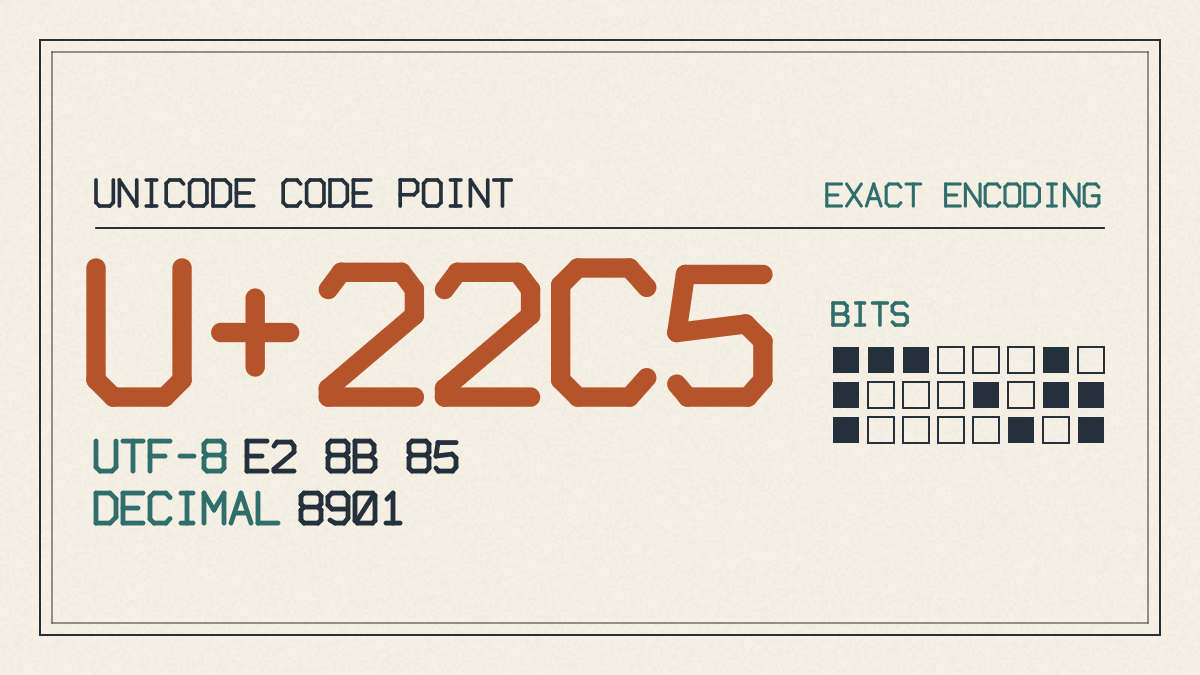
There are two similar-looking symbols: ⋅ and ·. The former is Unicode’s dot operator, U+22C5; the latter is the middle dot, U+00B7. In some typography, the middle dot is used to indicate multiplication. In lists, the bullet • (U+2022) is a separate character.
Dot Products and Multiplication
LaTeX offers a wide range of symbols that produce different types of mathematical operations and notation. Here, we’ll look at several common commands, their corresponding output, and what they’re used for. All examples use the default LaTeX preamble and font family.
The first example illustrates the use of the dot symbol (\cdot) for indicating multiplication within inline equations. For example:
$u\cdot v$
Here, $u$ and $v$ are vectors, and their dot product gives a scalar determined by their lengths and the angle between them. This expression shows the use of the dot product operation.
The second example uses the dot symbol for multiplication, again inside an inline equation:
$3 \cdot 5 = 15$
In this case, $3$ is multiplied by $5$, resulting in $15$. This equation simply demonstrates multiplication using the dot symbol.
Accents and Repeated Dots
If you are trying to determine which command to use when choosing an accent (like the one created by \dot or \ddot) versus an operator like \cdot, the key lies in what role the dot plays: an accent or an operator.
When creating a sequence of repeated dots — such as when creating a matrix row or a continued sequence of variables — the \cdots command creates a centered row of dots. When creating a single dot symbol, use the \cdot command.
Unicode Dot Operator and Middle Dot
Finally, there are two similar-looking symbols: ⋅ and ·. The former is Unicode’s dot operator, U+22C5; the latter is the middle dot, U+00B7. In some typography, the middle dot is used to indicate multiplication. In lists, the bullet • (U+2022) is a separate character. Do not assume you can paste any of these characters in place of \cdot in math mode across LaTeX engines.