Copy the Division Symbol ÷ and Type It in Word for Windows
Copy the division symbol ÷, understand its meaning and Unicode identity, and insert it in Word for Windows using 00F7 and Alt+X.
The symbol ÷ is a copyable character that appears as a short horizontal line with dots above and below it. In English-language arithmetic, this symbol means dividing by, such as 8 ÷ 2 = 4 (eight divided by two equals four). Two goes into eight four times. The character ÷ is also known as the division sign. Its Unicode name is DIVISION SIGN. The heavy division sign ➗ is a separate character, U+2797 HEAVY DIVISION SIGN.
Other Ways to Express Division
There are several other ways to express division. The slash (/) is used to represent the same concept as well. This may be more common when writing fractions, but the fraction bar may be used for the same purpose. A colon (:) can represent division or a ratio; ISO scientific and technical notation recommends it for ratios. For division, ISO 80000-2 recommends the solidus (/) or fraction bar rather than ÷. The Unicode ratio character (∶) represents a ratio, while a dot (⋅) is used to denote multiplication, either between numbers or vectors.
In order to type the division symbol in Microsoft Word for Windows, you can use Alt+X following a specific code, as documented by Microsoft. You can also locate the symbol via the Symbol dialog in Word, where you’ll see its encoding listed.
Unicode offers HTML named entities for every Unicode character, including the division symbol ÷. In LaTeX, you’ll need to use the TeX command \div, which will then render the character ÷.
Copy and Paste the Division Symbol
You can follow these steps to find the division symbol ÷ in Word.
To copy and paste the division symbol ÷ in Word:
Open Word, then open the document where you want to insert the division symbol.
Place your cursor where you want the division symbol inserted.
Copy the division symbol ÷ from this page, then press Ctrl+V to paste it.
This inserts the division symbol ÷ into the document.
Type the Division Symbol With Alt X
Type the code 00F7 followed by pressing the Alt key and the X key at the same time.
Note: If the code 00F7 is typed immediately after another character, you must select just the code to prevent adjacent text from entering the conversion sequence.
For example, typing “123” followed by the code 00F7, selecting only 00F7, and pressing Alt+X would produce “123÷.” To ensure only the 00F7 converts, you’d have to highlight only the code before using Alt+X.
Microsoft has documented this procedure in Word versions beginning with Word for Microsoft 365 through Word 2016.
Insert the Division Symbol Using the Symbol Dialog
To insert the division symbol ÷ in Word:
Click Insert > Symbol > More Symbols.
From the Font drop-down menu in the dialog box, choose Segoe UI Symbol, which includes a large collection of Unicode symbols.
Locate the division symbol ÷. Note its encoding — in this case, the hexadecimal code U+00F7.
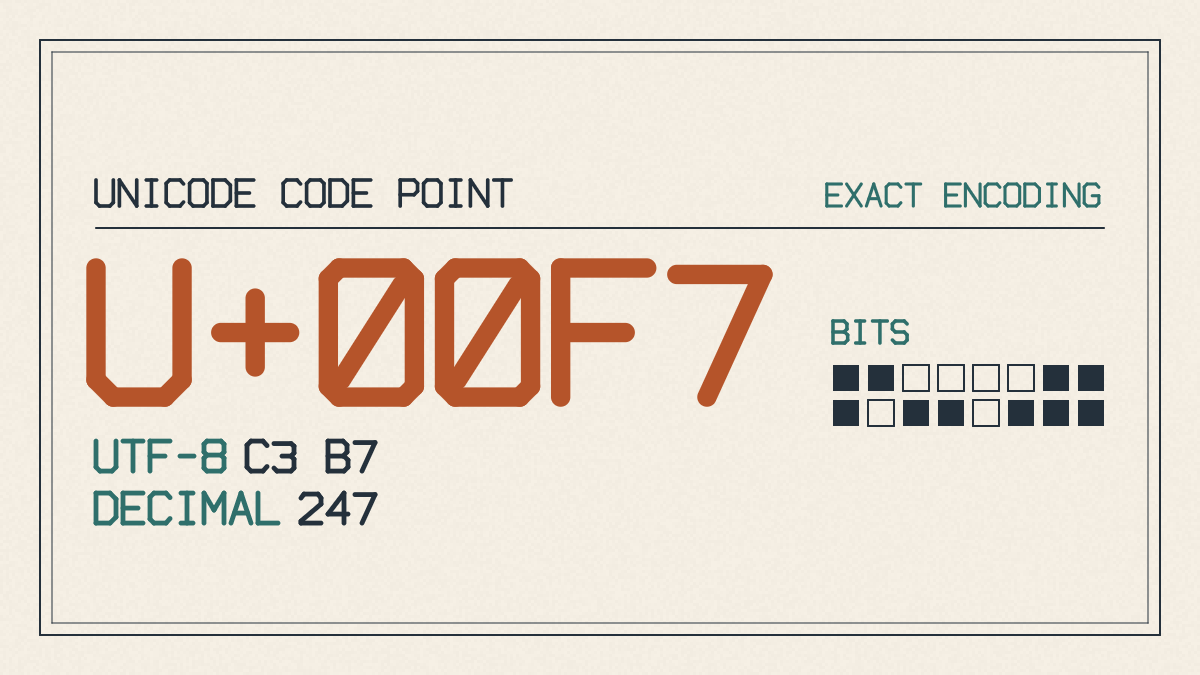
Selecting this character displays a list of options, such as Character code and from:. From here, you can pick either the hexadecimal code (which requires the use of Alt+X), or the decimal number code (which uses the numeric keypad and requires you to press Alt + the numeric keypad).
If you choose Unicode (hex), simply type the code 00F7, then press Alt+X. No numeric keypad is required, so you can enter the code freely on the keyboard.
Unicode HTML and LaTeX
The Unicode identity of the division symbol is U+00F7.
You’ll typically use the HTML named entity ÷ to represent the character ÷. The alternative, ÷, is less commonly used. Both entities render as the ÷ symbol.
LaTeX provides an alternative way to represent the division symbol. The TeX command for this is \div, which renders as ÷.
Word’s conversion method inserts the Unicode representation of the character ÷ into the document.