Copy a Bullet Point for Facebook Posts and Comments
Copy a bullet point for Facebook posts and comments, use • (U+2022), and adapt a ready-to-copy plain-text list.
The supplied material does not establish whether Facebook offers a numbered-list command in posts or comments. You can compose an unordered list as a manual task using the Unicode character “•”. You’ll need to know how to copy the appropriate character before proceeding.
Copy a Bullet Point for Facebook
For an ordinary Facebook list, such as one of short phrases with bullets instead of numbers, you’ll want the exact character — not the larger circle (●) or the middle dot (·), both separate characters. The ordinary bullet point marker is U+2022; here it is:
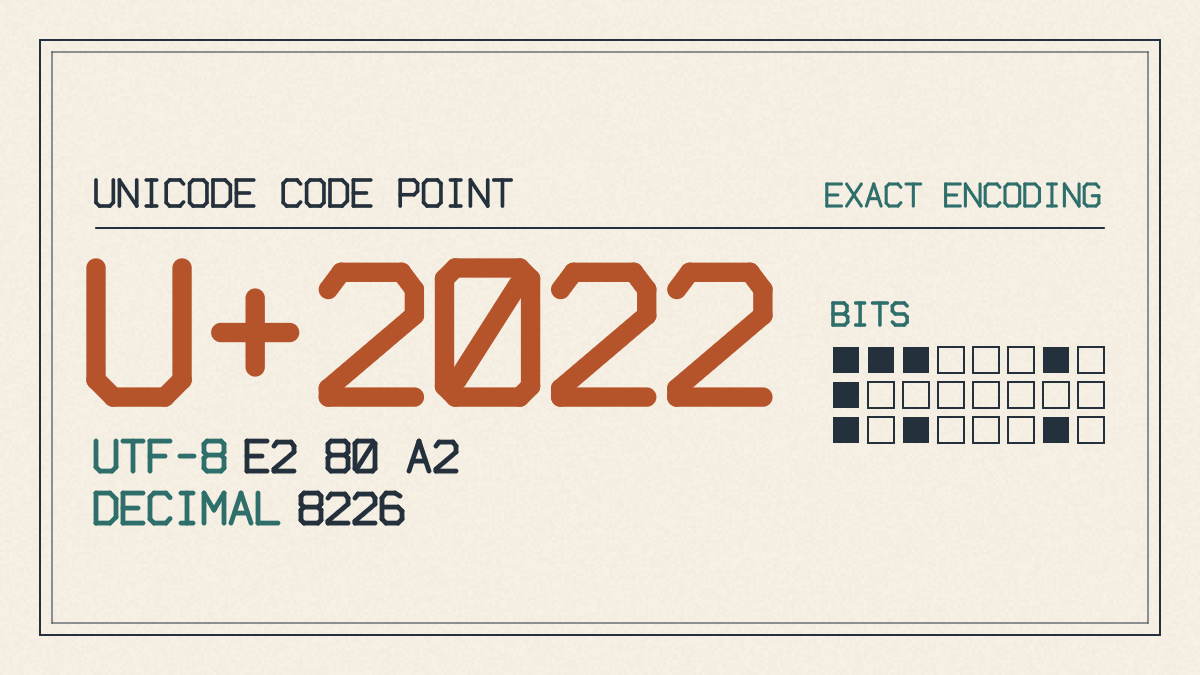
•
The easiest way to compose a manually arranged list on Facebook is to paste the marker, add a space, then type your item text, repeating the process until you’ve entered all the items. When you’re done, inspect the draft carefully before submitting.
Copy a Complete List
If you’d like to see an example, here’s a complete reusable list that you can simply copy together, replacing only the placeholder words where necessary:
• First item
• Second item
• Third item
That’s three separate lines, with the bullets already at the start. If you copy the entire sample at once, it will be copied correctly. Just replace any of the placeholder words with the items you intend to place in your Facebook post or comment.
One thing to note: Although some lists are made by typing literal text markers into a Facebook message, they aren’t the same as using an editable list command. That said, the manual example remains simple: short fragments (optional ending punctuation).